

Pro users can now collect payments on their booking pages. The Stripe integration makes it simple: connect your account, set a price, done.
How it works
- Click “Connect Stripe” in your booking page settings
- Complete Stripe onboarding (bank details, verification)
- Enable “Require payment” and set amount + currency
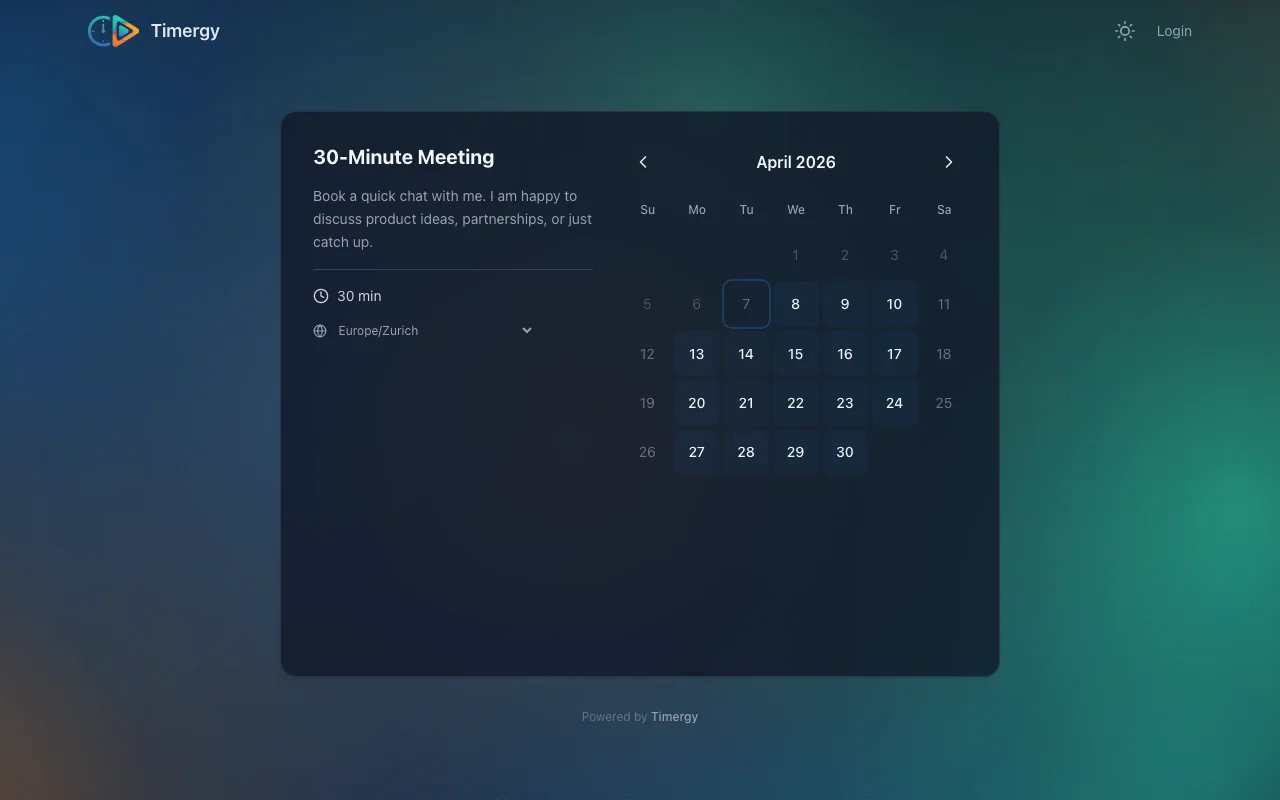
- Visitors see the price when booking and are redirected to Stripe Checkout
The booking is only confirmed after successful payment. If the checkout is abandoned or times out (30 minutes), the slot is automatically released.
Details
- Supports 21+ currencies including CHF, EUR, USD, GBP
- Recurring bookings are charged as a total amount
- Cancellations and refunds through the Stripe Dashboard
- No platform fee from Timergy, only standard Stripe processing fees
See how Timergy’s booking pages compare to Calendly and Cal.com.